Elena Mauri

Sitemap, an Information Architecture Tool for Shopify

Sitemap is a tool I built to design the information architecture of e-commerce sites, mostly on Shopify. I draw the structure on a visual board, and from the same board I export a FigJam file for the client and an Excel file that SEO and developers use as their starting point.

The project

  • Context: a tool for my own work, which I now use on client projects together with SEO and development.
  • What it does: imports an existing architecture or a product catalog, lets me build and edit the sitemap on a board, and exports it to FigJam, Excel and JSON.
  • Built with: I wrote it myself with Cursor. It is a React app with a node-based canvas, and it reads and writes Excel files directly.
  • Example in this page: Erbecedario, an online shop of herbal products, with 123 pages.

Three files that never matched

Information architecture for an e-commerce site is mostly categories and collections. On a large catalog there are hundreds of them, and writing them all by hand in a design file takes a long time. With big clients like Buffetti it was the slowest part of the job.

Then the same structure lived in different places. I worked on the sitemap in Figma, while the SEO team worked on their own Excel file. When I changed something on my side, their file did not change, and we often lost track of which version was right.

Finally, the development team rebuilt the structure in Shopify from scratch, reading it from our documents.

One structure, one export for each person

I wanted something visual, because complex architectures are much easier to discuss when you can see them. I also wanted to start from the current architecture of the site instead of an empty page, and to keep design, SEO and development on the same structure without editing Excel by hand.

So the board became the single place where the architecture lives. Each person gets the format they need from it: the client sees a FigJam board, SEO and developers get an Excel file, and a JSON file keeps a backup of the project.

Import what already exists

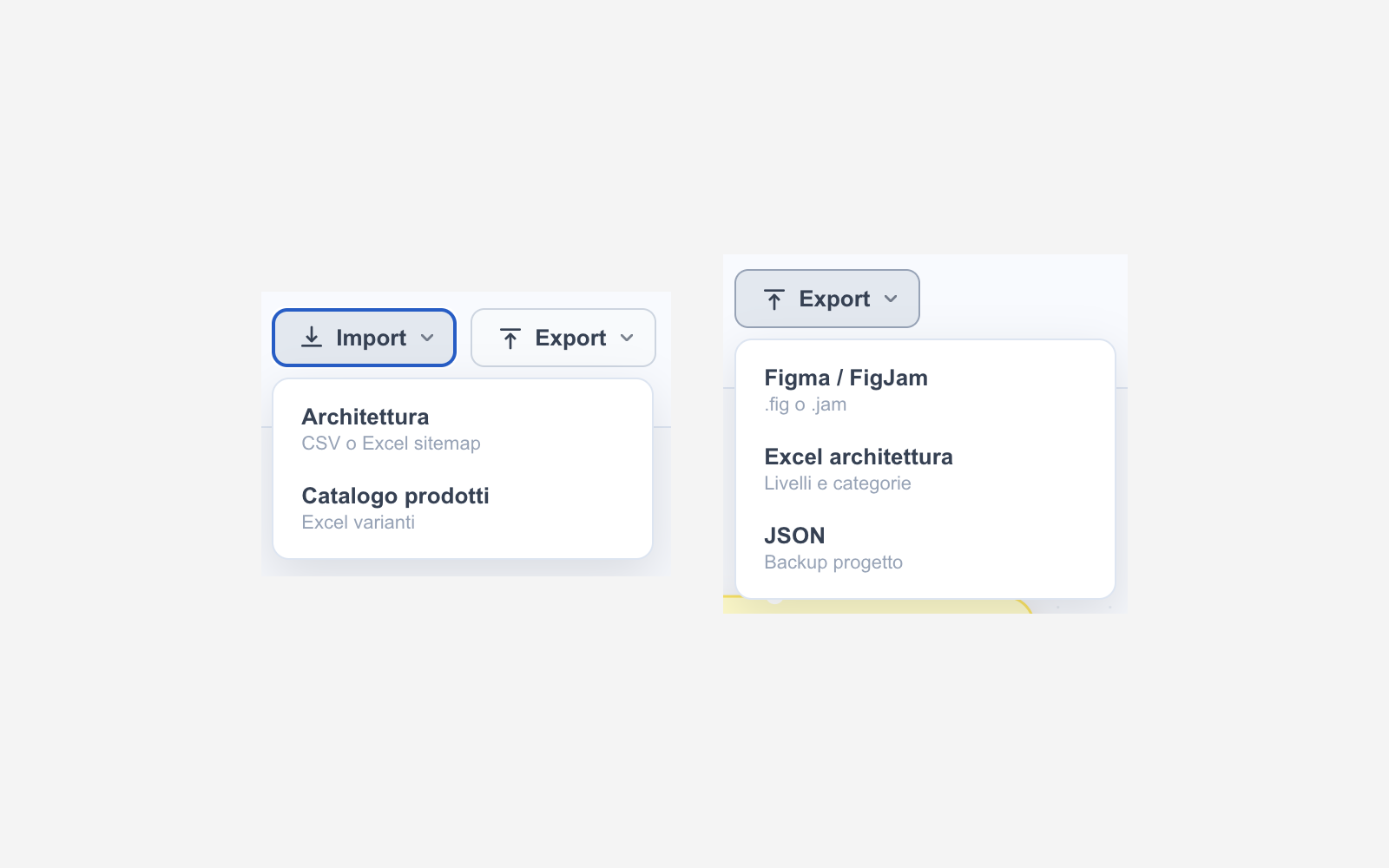
A project can start from zero or from an import. The architecture import reads a sitemap from CSV or Excel, so the current structure of a site appears on the board in a few seconds. The catalog import reads an Excel file of products and variants, and products can then be linked to the pages where they belong.

Import and Export menus of the tool

Designing the architecture

Every box on the board is a page with a function: static page, feature, blog, blog article, collection list, collection, product page, or label only for menu items that are not pages. Pages are connected as parents and children, and each branch can be laid out horizontally or vertically to keep large trees readable.

Sections group pages, like frames in Figma. Pages can also store their URL and the number of visits from analytics, so when I redesign an existing site I can see which pages really matter before moving them. Changes are saved automatically, with undo, copy and paste and keyboard shortcuts.
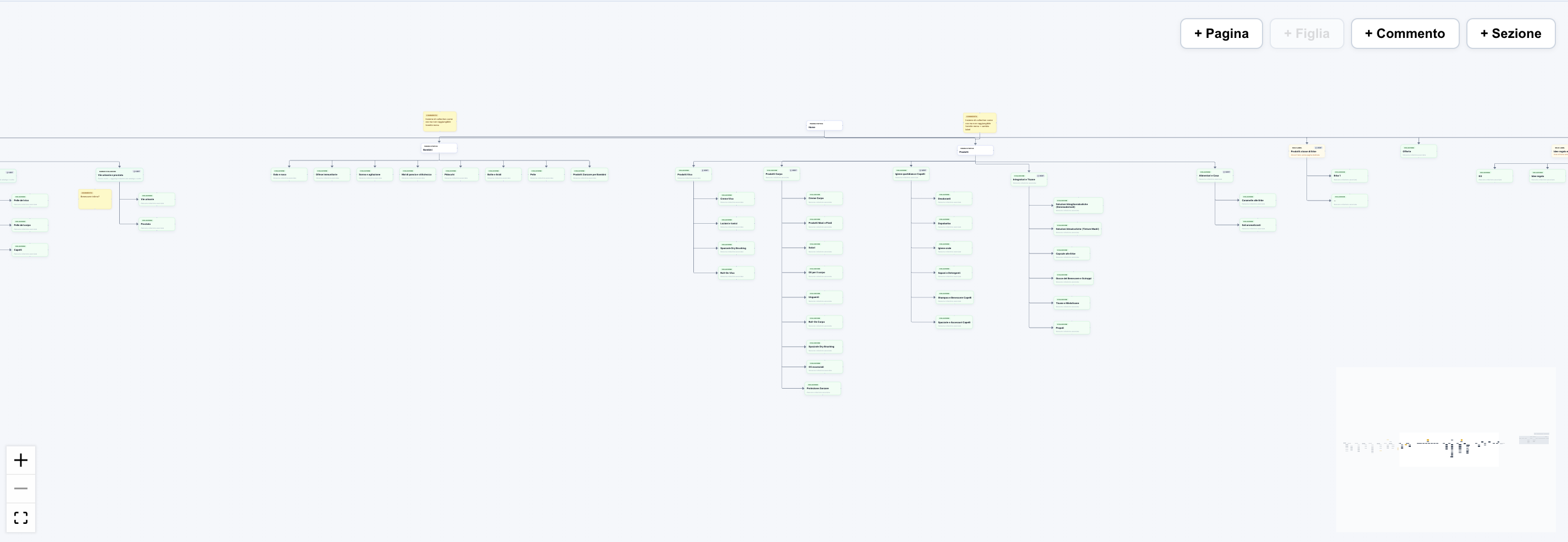
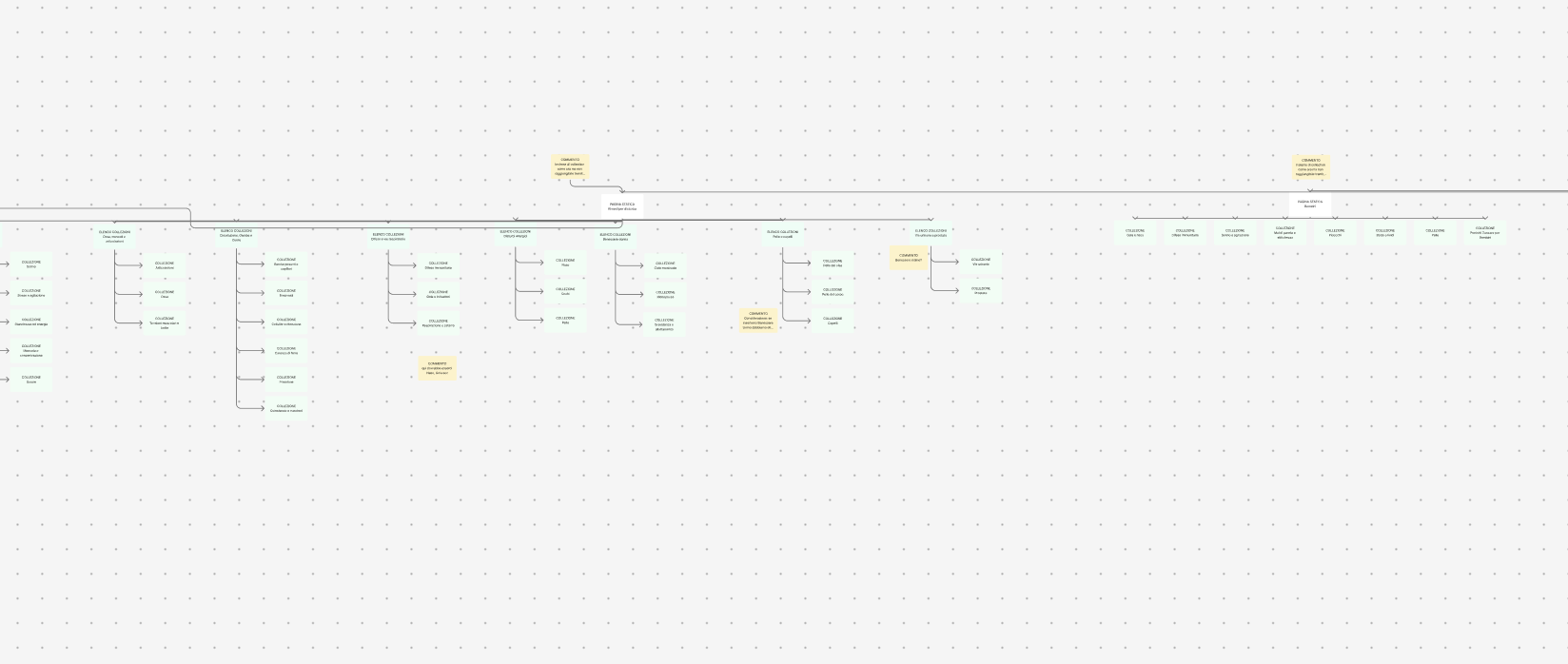
The full architecture of Erbecedario on the board
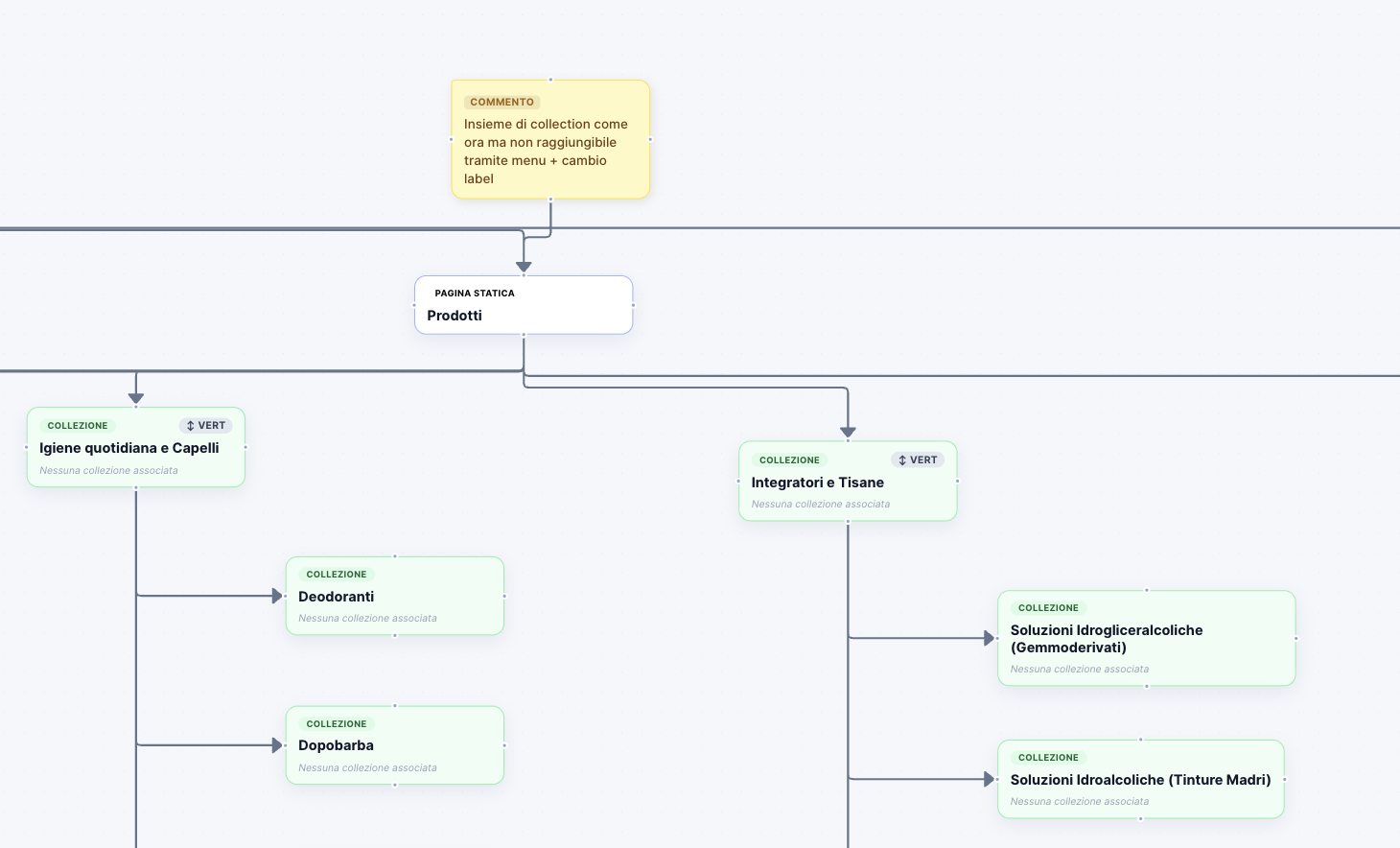
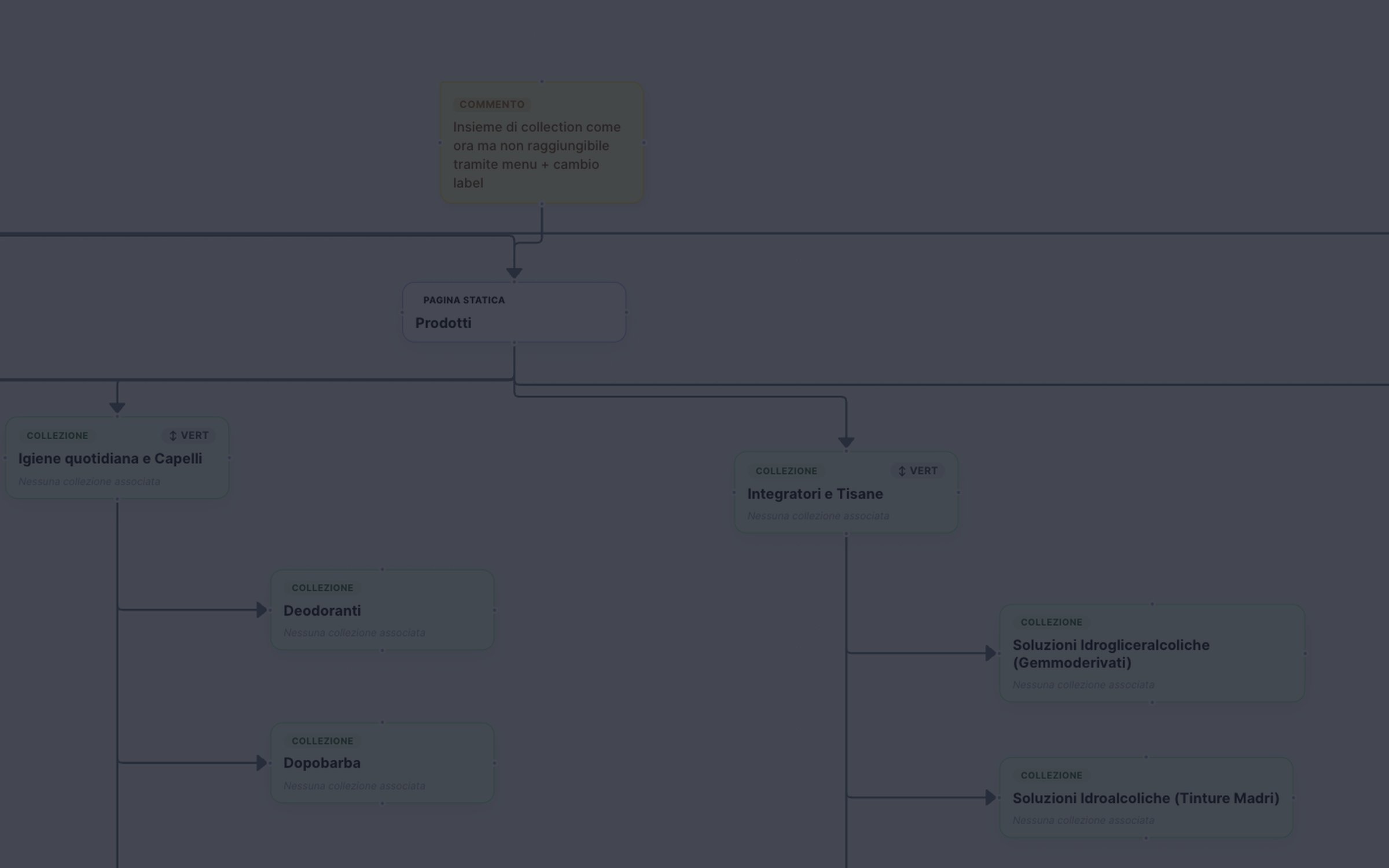
Detail of the board with a comment, a static page and collections

Notes that travel with the structure

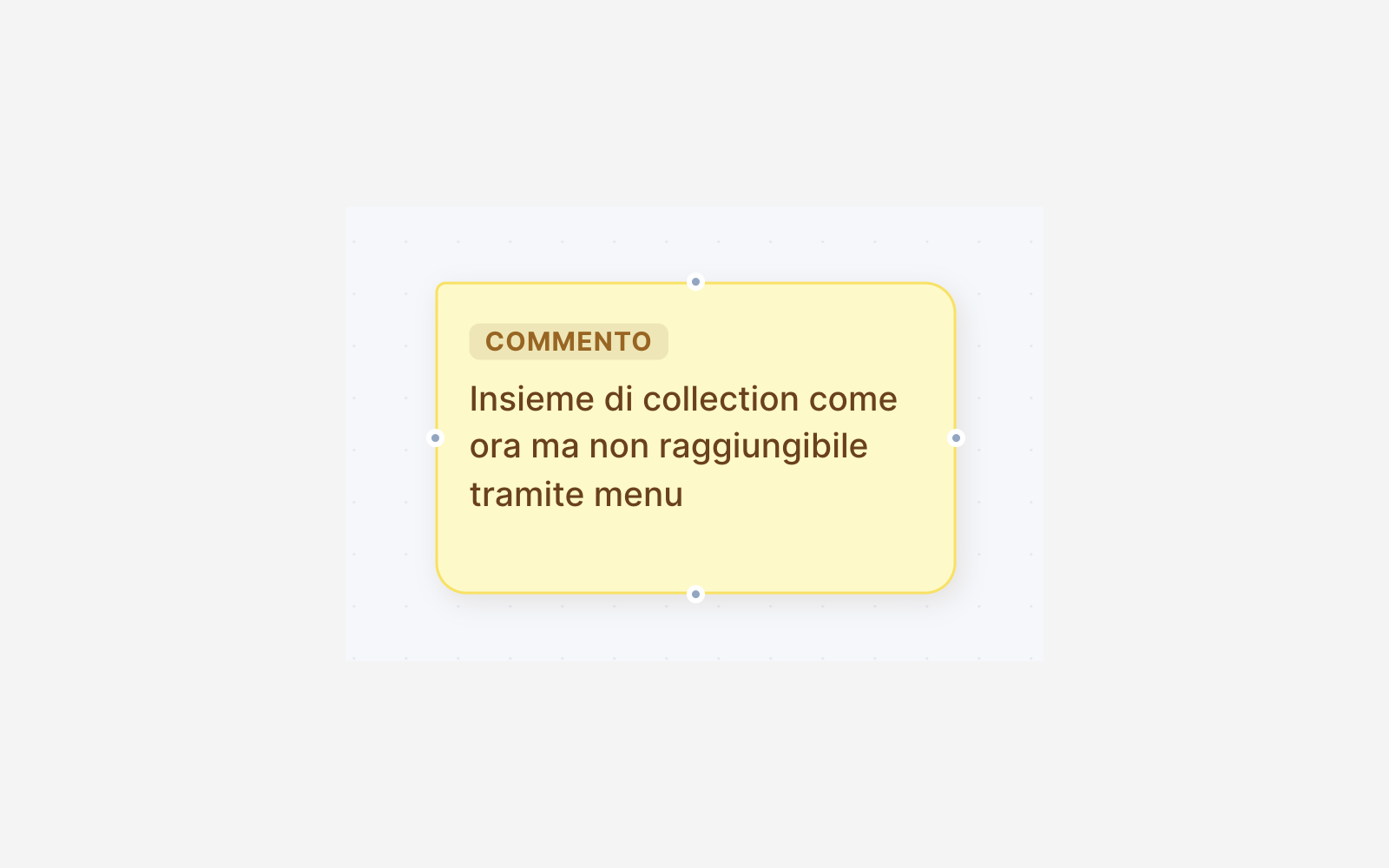
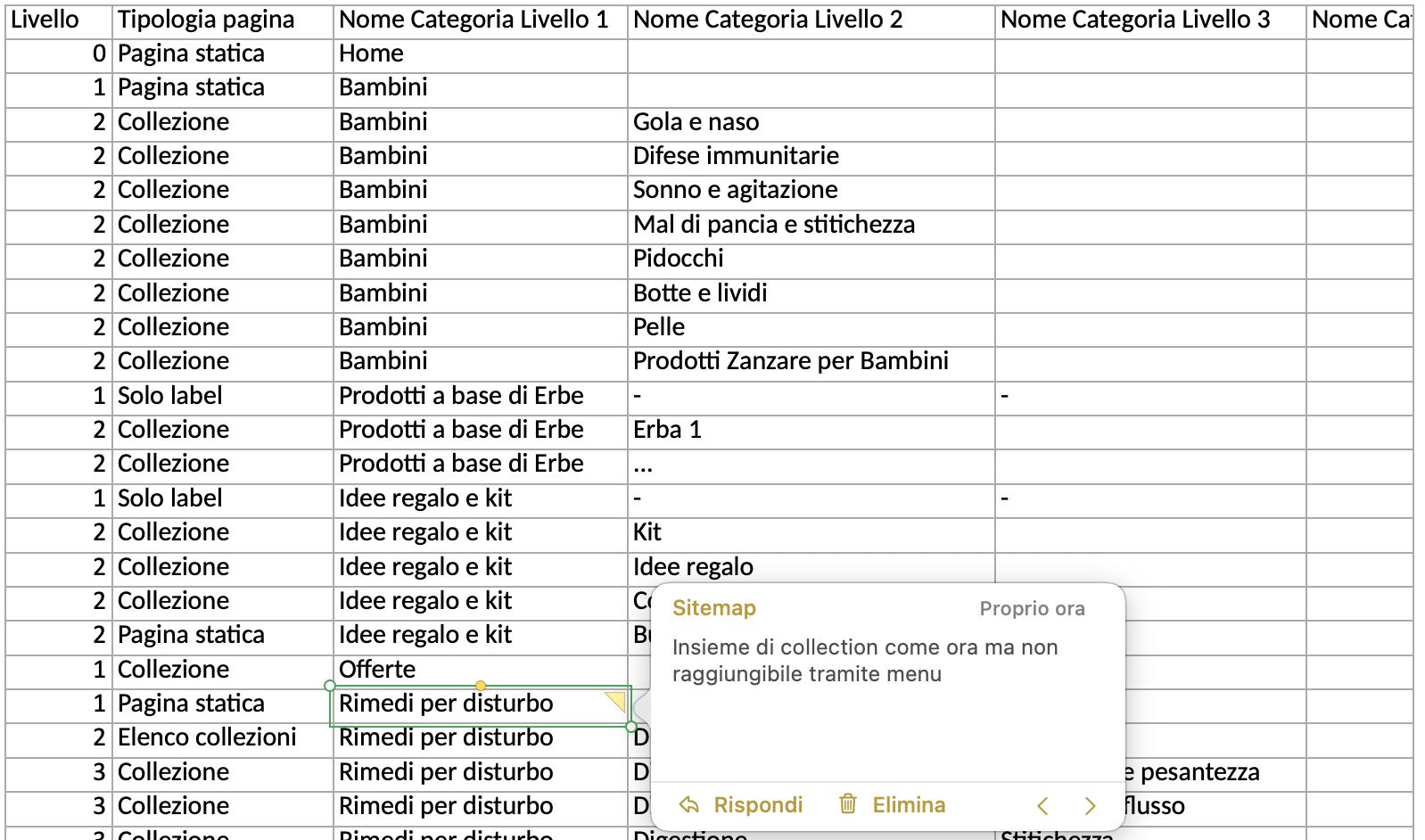
Comments are post-its attached to a page. I use them for open questions and decisions, for example a group of collections that stays live but is no longer reachable from the menu. When I export to Excel, each comment becomes a cell comment on the row of its page, so SEO and developers read the note exactly where it applies.

A comment on the board The same comment as a cell comment in the exported Excel file

A template ready for Matrixify

The Excel export follows the template we use to import the structure into Shopify with Matrixify. Each row is a page, with its level, its page type and the category names for up to four levels.

Collections in Shopify are flat, but the menu is built on more levels, so keeping the levels in the file is useful in any case. Developers import the file as a base and get the collections and, in practice, the menu already done. SEO works on the same file to fill in what they need, so there is no second version to keep aligned.

A FigJam board to present

The FigJam export rebuilds the whole sitemap as a FigJam board, with the same pages, connections and comments. I use it to present the architecture to the client, and it stays available to them after the meeting.

The sitemap exported to FigJam

My Role

  • Defined the problem from my own work with SEO and development.
  • Designed the tool: board, page types, comments, imports and exports.
  • Built it with Cursor and kept improving it on real projects.
  • Matched the Excel export to the template we use to import into Shopify with Matrixify.

Where it is now

I use Sitemap on new e-commerce projects. The architecture lives in one place, the client, SEO and developers each get the file they need, and nobody has to copy changes from one document to another. Erbecedario, the project shown in this page, will be my next case study.

Interactive Mattress Configurator